
Online Quran Class Gallery
Our online Quran class gallery shows what a lesson really looks like: live one-to-one sessions, the platform students use, and the work they are proud of.
How Our Online Quran Sessions Work
Every class is live and one-to-one with a certified teacher. Here is what happens from the moment you join to the report you receive afterwards.
- 1
Join from any device
Your teacher sends a private Zoom link. Students join one-to-one from a laptop, tablet or phone, with no software to buy.
- 2
Recite and get corrected live
The teacher shares the Mushaf or Noorani Qaida on screen, listens to the recitation and corrects Tajweed as it happens.
- 3
New lesson and revision
Each class mixes revision of earlier portions with a new lesson, paced to the student's level and goals.
- 4
Homework and a session report
After class, students get homework to practise and parents receive a short report on what was covered and what comes next.
Watch a Class in Action
Short videos that walk through our classes and the lessons children follow between sessions.
- Online Quran Classes Overview
 1:00
- How to Make Wudu for Kids (Step-by-Step with Zayd)
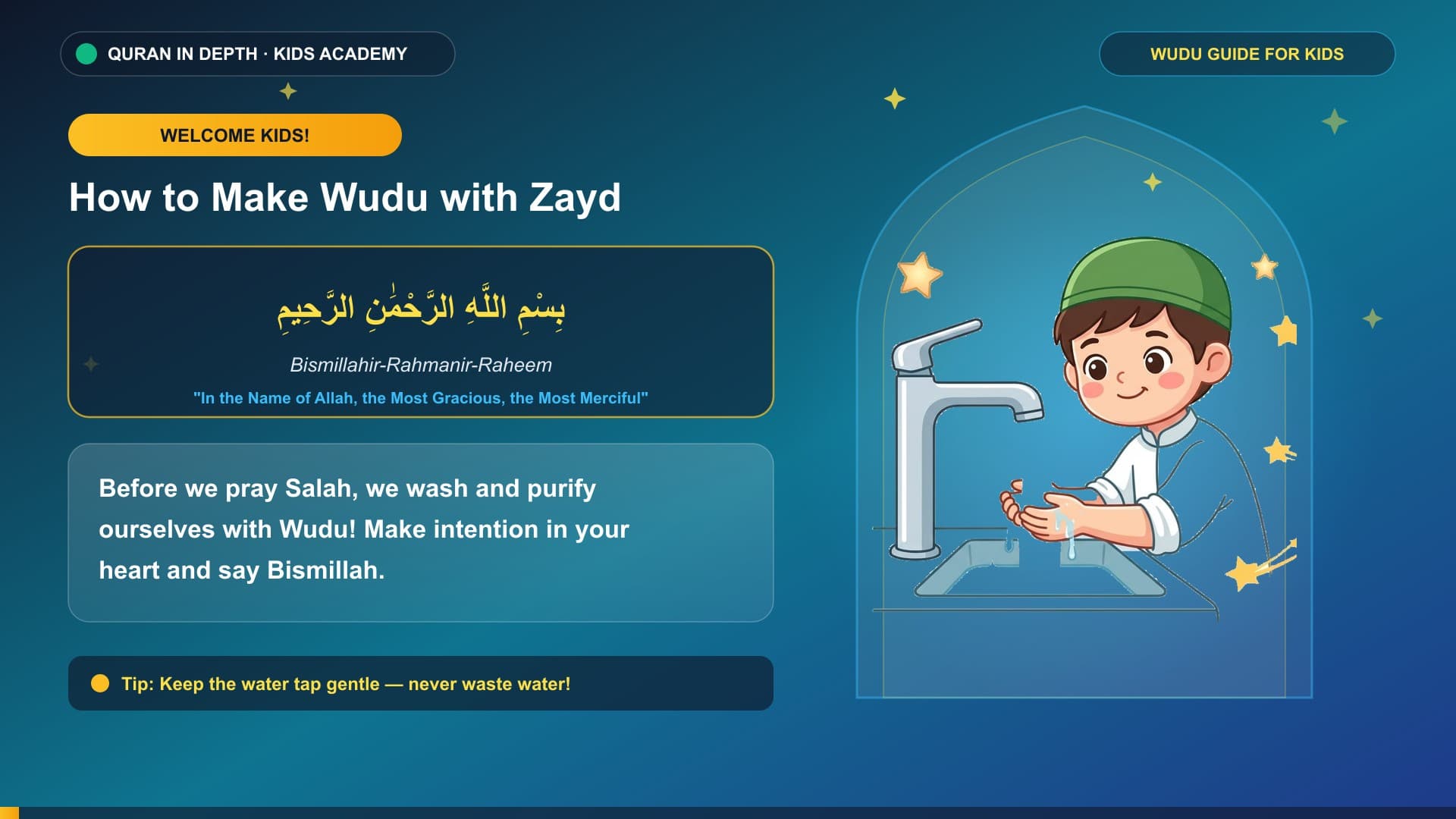 0:51
- How to Pray Salah for Kids (Step-by-Step with Zayd)
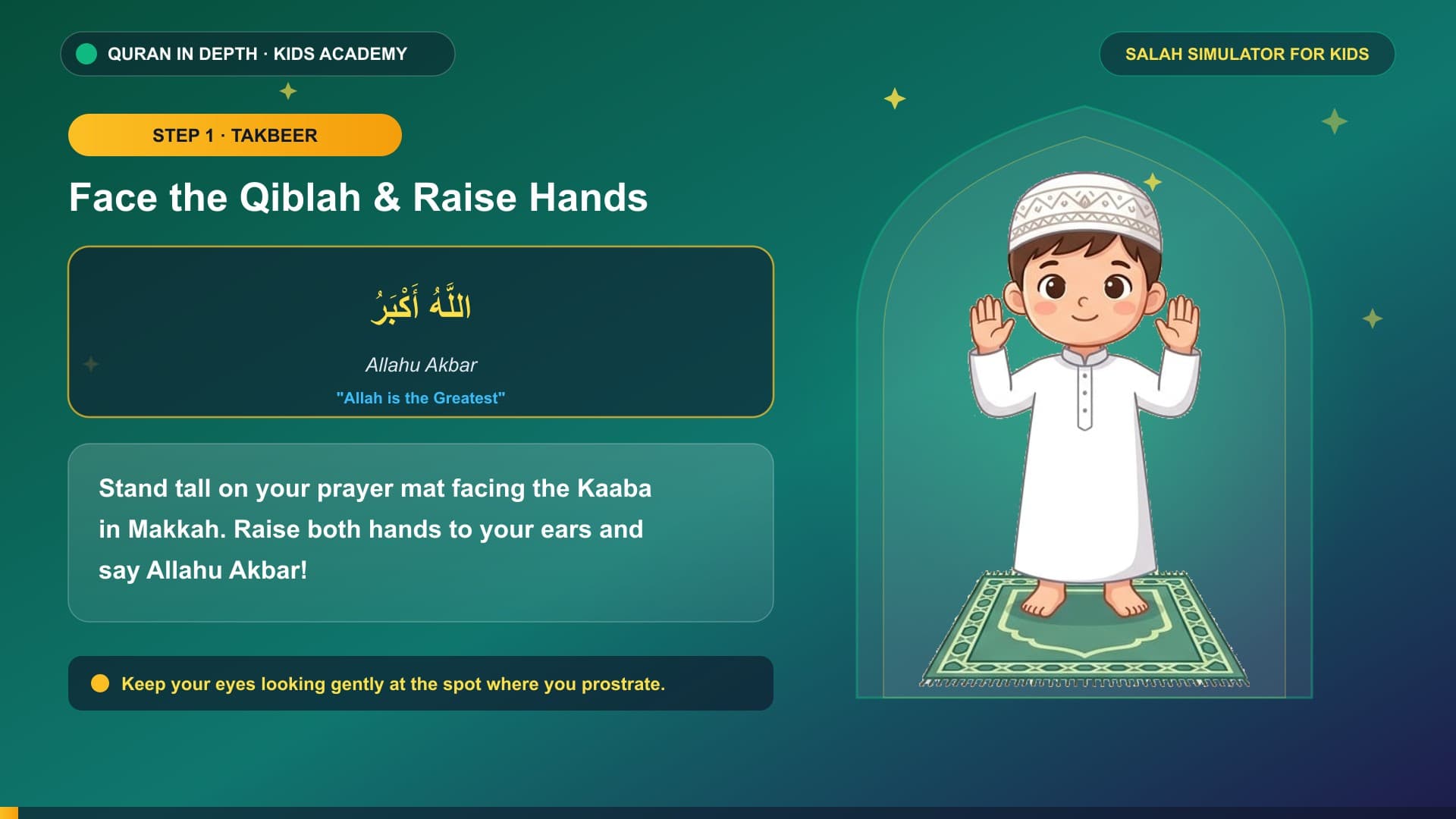 0:53
- Kids' Daily Duas & Adhkar (Morning, Eating, Studying & Bedtime)
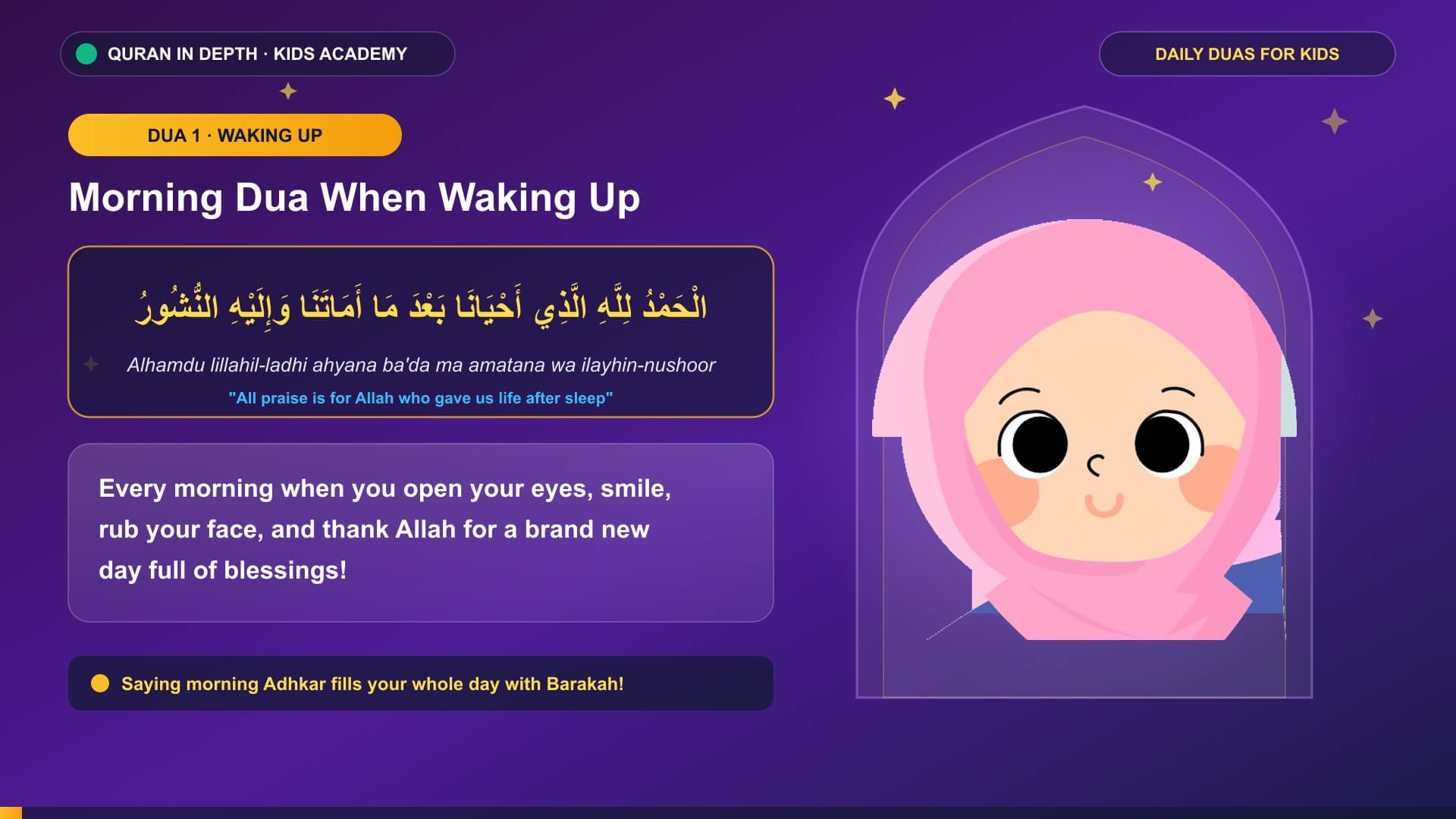 0:45
- The 5 Pillars of Islam for Kids (Animated Guide)
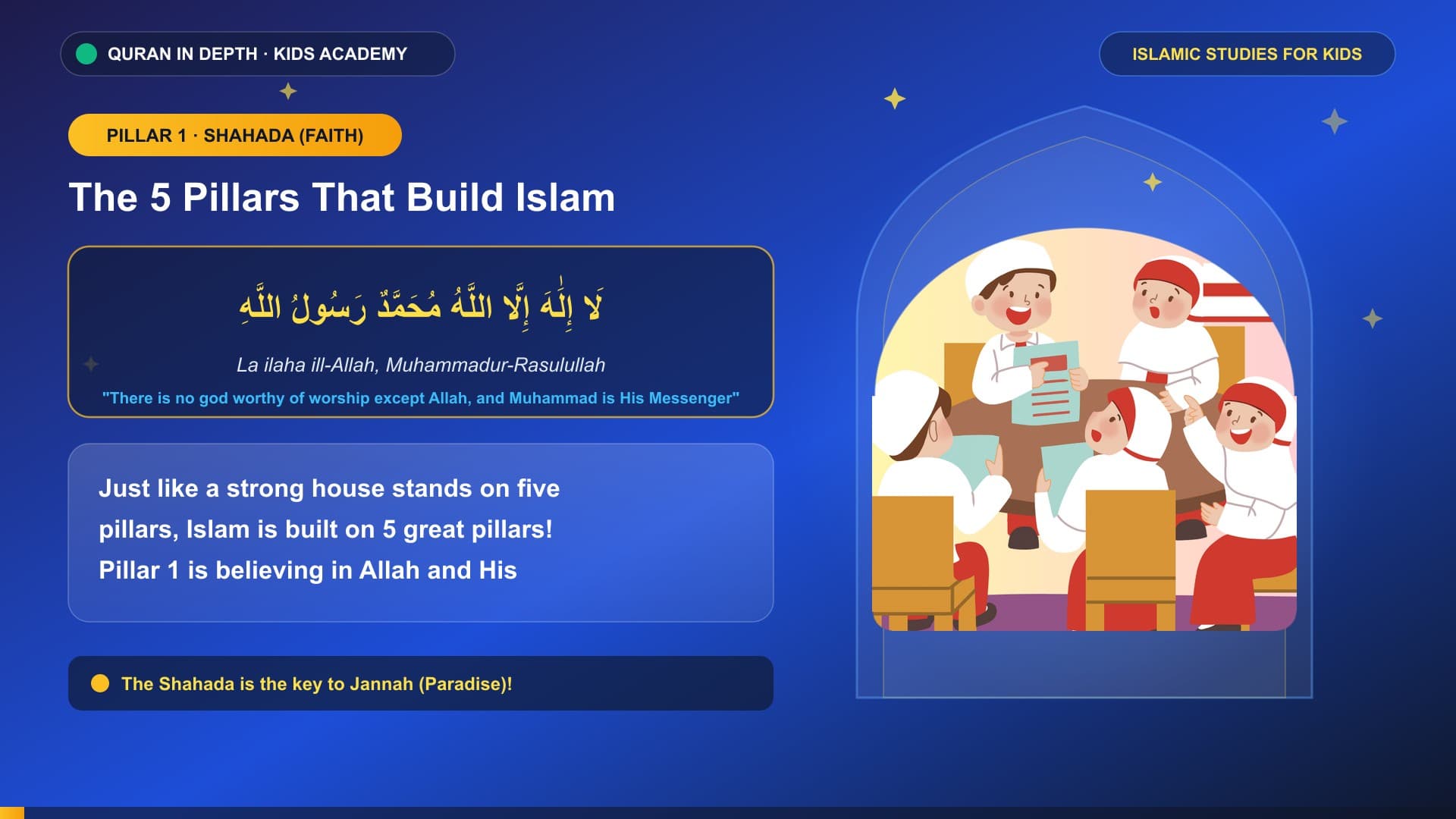 0:40
- 1-on-1 Online Quran Classes for Kids — Academy Overview
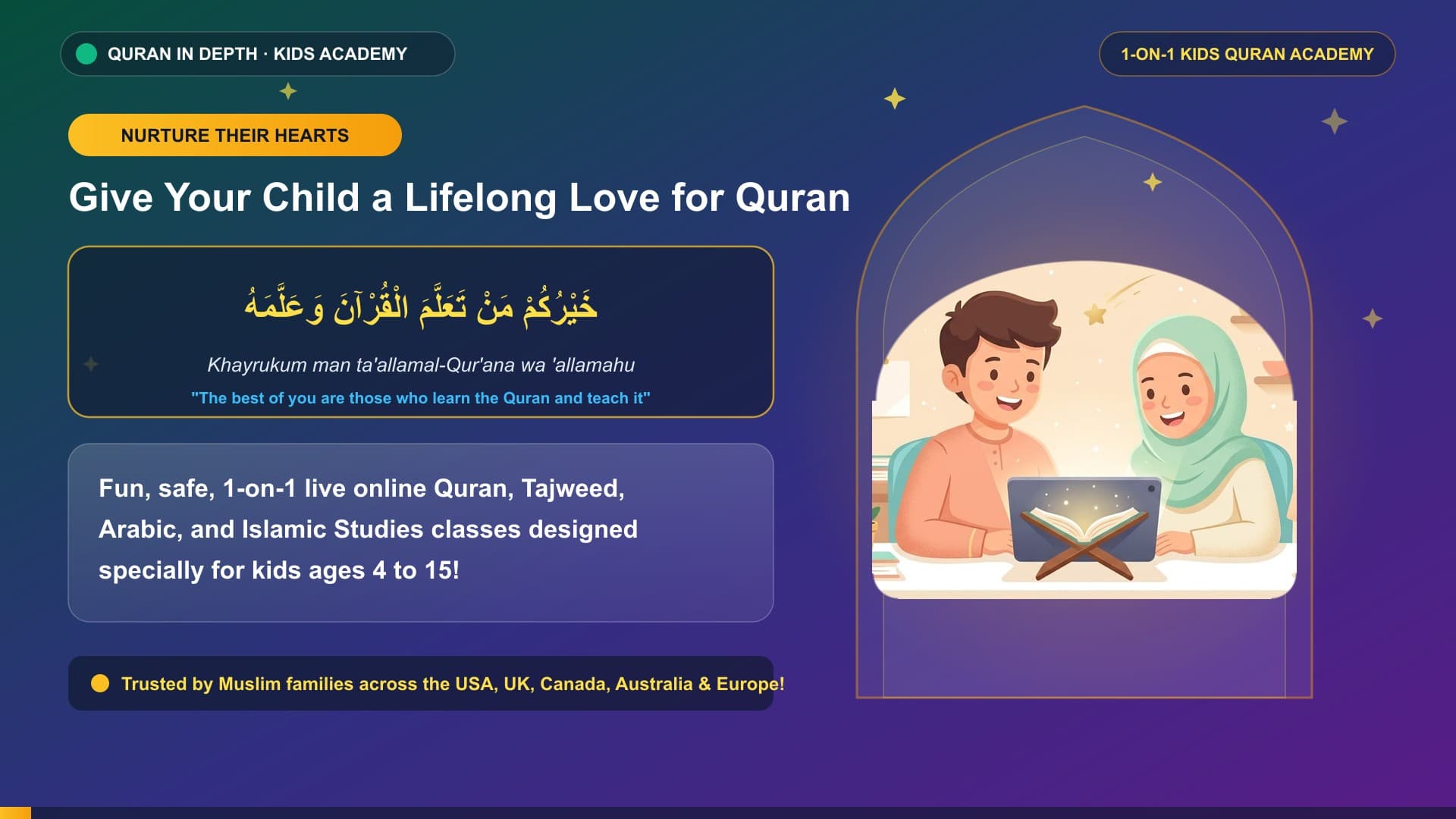 0:31
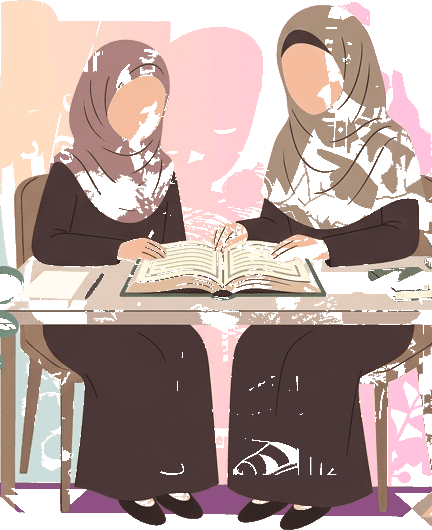
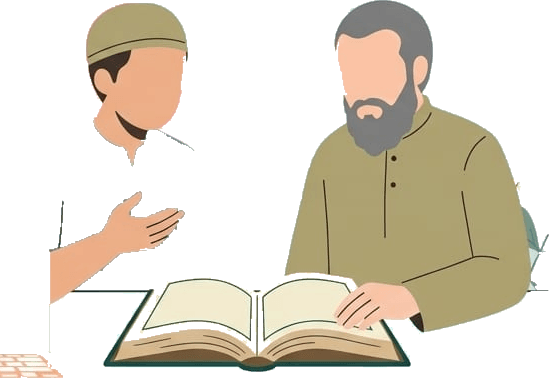
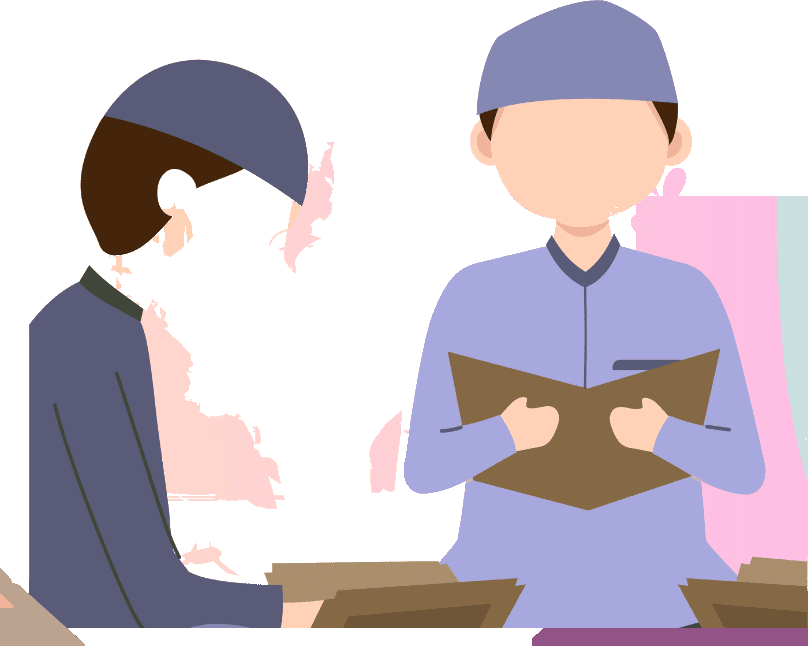
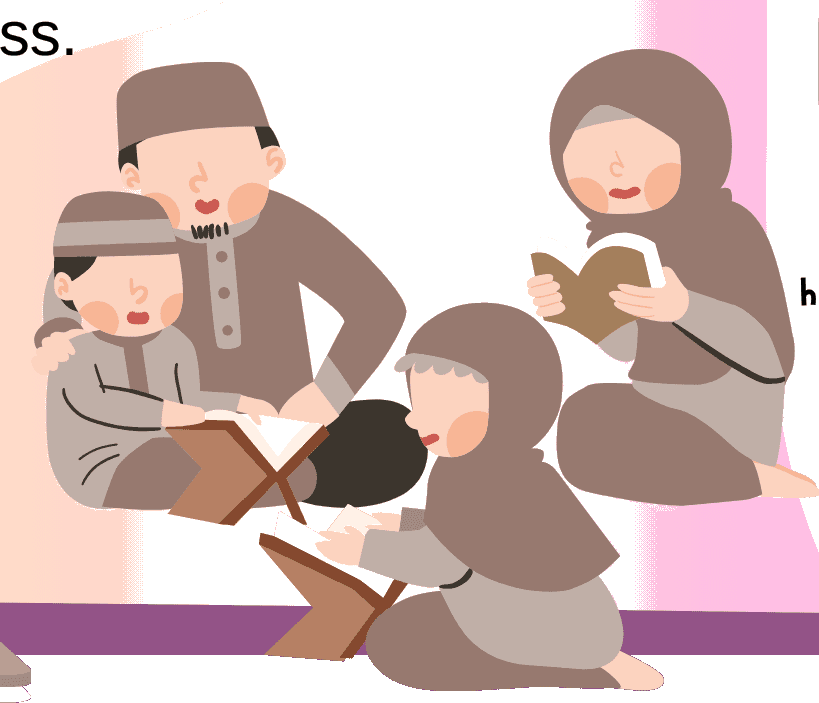
Our Lesson Artwork
Illustrations from our lessons and videos, drawn to make Quran learning friendly for children and adults.
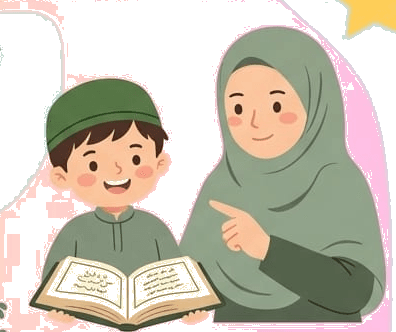
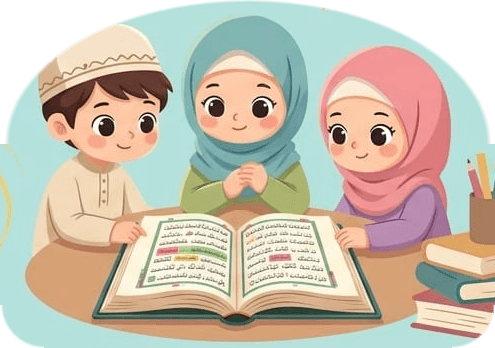
Questions About Our Sessions
What does an online Quran class look like?
An online Quran class is a live one-to-one video call. The teacher shares the Mushaf or Qaida on screen, listens to the student recite, corrects mistakes, then sets homework and sends a session report.
How long is each online Quran session?
Most sessions last 30 minutes, which suits children and beginners. Older students and Hifz students often choose 45 or 60 minutes. You pick the length and number of classes per week.
What do I need to join a session?
You need a laptop, tablet or phone with a camera, a microphone and a stable internet connection. Classes run on Zoom, and your teacher sends the link before every session.
Why are students' faces hidden in some photos?
We protect our students' privacy. Photos of live classes are published only with permission, and children's faces and names are hidden unless a parent has agreed to share them.
How can I share a photo with the gallery?
Use the Share a Photo form on this page. Add a title and your name, confirm you have permission to share it, and our team reviews every photo before it appears.
See a Session for Yourself
The best way to see how a class runs is to join one. Your first lesson is free, with no card needed.